

Python is currently one of the most popular programming languages due to its ease of use, flexibility, and many useful libraries.
Python has extensive applications in fields such as data engineering, automation, artificial intelligence, and cloud development. Python is also becoming popular in enterprise environments, including SAP systems, for use in integrating with other systems, processing data, and offering AI-based solutions.
This post will give a step-by-step tutorial on how to create a contemporary Python development environment using Visual Studio Code (VS Code), Git, and AI-enhanced extensions to enhance productivity for SAP developers.
I will discuss the following:
- Why Python is becoming important to SAP developers
- Setting up the Visual Studio code editor
- Installing Git, AI, Python, and the code review extension in VS Code
- Setting up a Git account and creating a PAT token
- Creating a Git repository and integrating it with VS Code
- Starting programming with Python
Why Should SAP Developers Learn Python?
Python is being used more and more in SAP-driven landscapes these days.
It enables SAP professionals to easily extract, clean, transform, and analyze massive amounts of business data from SAP systems, databases, APIs, spreadsheets, and other external applications. This is very common for reporting, analytics, migration operations, and for creating data for AI business insights.
Python can seamlessly integrate with SAP BTP, SAP APIs, SAP HANA, cloud platforms, databases, and third-party enterprise applications. This assists organizations in creating scalable integration, automating processes, and extending SAP applications with modern cloud capabilities.
Python is one of the most popular languages for AI and machine learning due to its robust libraries and frameworks. Python is a programming language that SAP professionals leverage to create predictive analytics solutions, forecasting models, intelligent automation, recommendation systems, and enterprise applications that are powered by AI and connected with SAP landscapes.
The language helps automate repetitive tasks like generating reports, handling files, monitoring, testing, scheduling, notifying, interface validating, and integration processing with your system. This not only saves time but also boosts productivity and reduces human error in a business setting.
A well-organized Python development environment enables SAP and enterprise teams to work seamlessly together by enabling easy reuse of code, version control, modular development, and quicker application delivery. It also enhances the quality of code, its maintainability, and sustainability.
Lastly, Python is now being leveraged to create lightweight services, APIs, AI applications, and automation solutions outside the SAP core, with cloud-native and API-first methods. This enables organizations to adhere to the clean core principles and extends SAP in a scalable and flexible manner.
With the benefits of Python laid out for SAP developers, let’s move now into explaining how you can get Python set up on your system. For that, you’ll need a few free programs.
Installation of the Python Environment
VS Code is a lightweight and extremely extensible editor commonly used when developing Python applications. You can install VS Code via its official site, making sure to update it to the latest version.
Once you have installed VS Code on your computer, I recommend installing the following VS Code extensions.
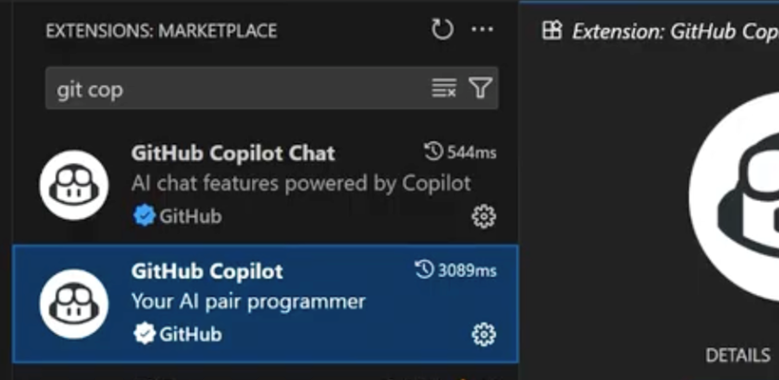
GitHub Copilot and GitHub Copilot Chat
Version control is essential for collaborative and enterprise development. GitHub assists you in writing code at a higher rate through AI suggestions.
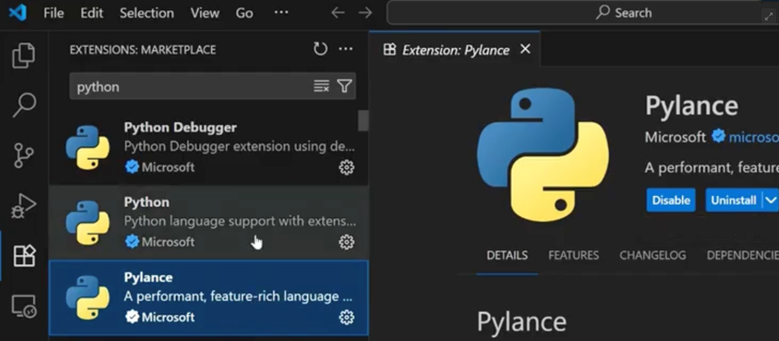
Python & Python Debugger
The Python Debugger provides syntax, debugging capabilities, and code execution.
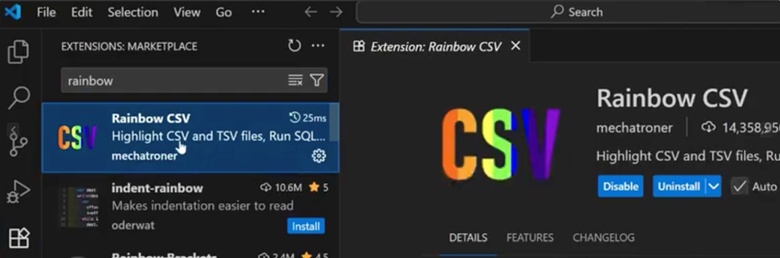
Rainbow CSV
Rainbow CSV simplifies the existence of CSV files, resulting in color-coded columns.
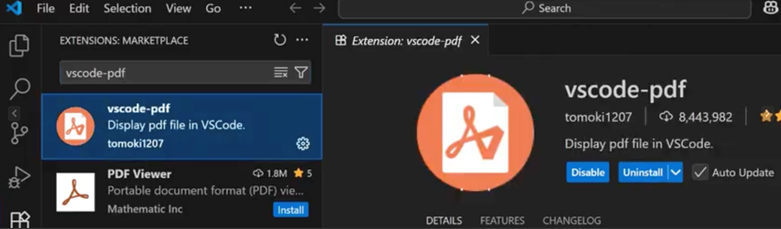
VSCode-PDF
The VSCode-PDF extension will allow you to access PDF files and read them in VS Code.
Installation of Git
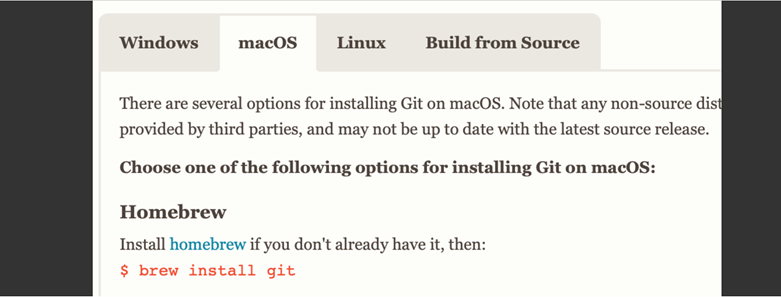
To install Git, first go to Git’s site and download the version for your system.
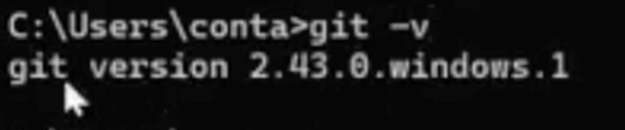
Then, using Command Prompt, check for your git version using command git -v.
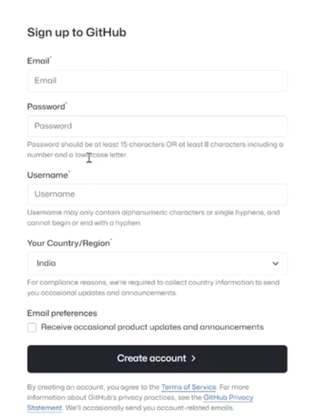
Next, visit the GitHub site and sign up for an account.
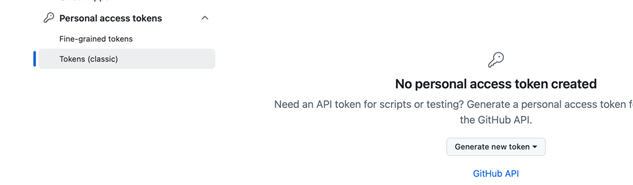
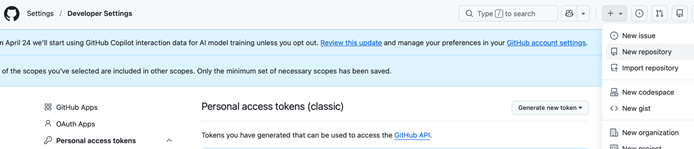
Once logged in, go to Account > Settings > Developer Settings > Generate Pat Token in order to create your personal access token.
Fill in your information in the fields.
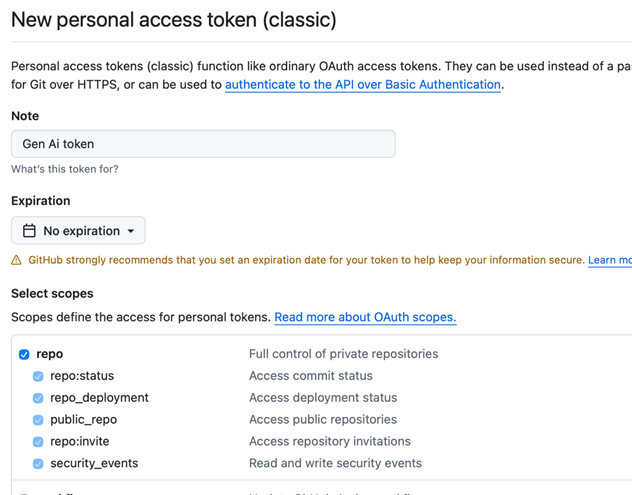
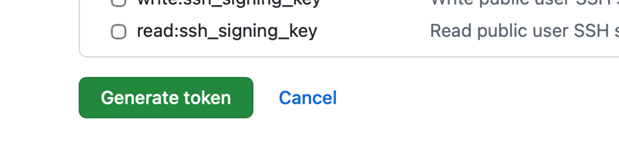
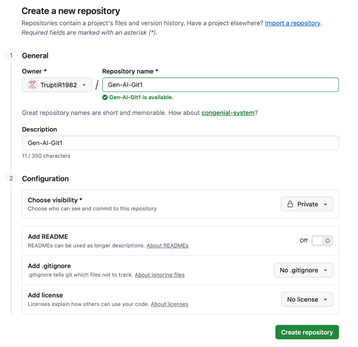
Click “Generate token” and copy the output. Then choose the option to create a “New repository” in GitHub.
Cloning the Git Repository to the Local Desktop
To move your newly created repository to a local system, execute this command in your terminal:
git clone https://github.com/{GitUsername}/{repository name}
This will create a cloned Git folder on your local desktop, as shown in this figure.

Starting to Develop in VS Code
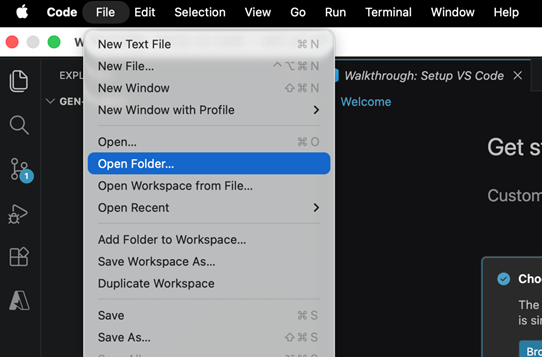
At this point, you can begin the development process in VS Code. In the program, go to File > Open Folder and select your repository folder.
Under Repository, create a folder named Python Programs. This will let you create your first Python file with the extension .py

Execute it with the command:
>python {filename}
You are now fully ready to start Python development in VS Code. Learn how to create your first Python program in this post.
Best Python Practices for SAP Developers
Python is, as mentioned earlier, becoming popular with SAP developers who typically have worked with languages such as ABAP and JavaScript/TypeScript. I want to take the time to provide a set of best practices for them as they begin to work with Python.
First, use Python virtual environments to manage dependencies when building SAP extensions, AI services, automation scripts, or SAP BTP and enterprise integrations.
Make sure to develop scalable and modular code to ease up SAP application, API, automation, and enterprise cloud application maintenance.
You can manage enhancements, bug fixes, integrations, and collaborative development activities for your SAP project in a controlled manner using Git feature branching.
While it is possible to develop SAP and enterprise applications responsibly with the help of AI tools like GitHub Copilot, you should always validate and test code generated by AI before it is deployed in production.
Write clean, readable, and well-documented code to make it easier to handle debugging, support, new employee training, and long-term maintenance of SAP solutions.
Use environment variables to store sensitive enterprise data such as SAP credentials, API keys, cloud tokens, or other data safely, instead of hardcoding it into apps.
Make Python library and dependency management easy with requirement files for SAP integrations, automation, analytics, and AI applications.
Lastly, follow API-first and cloud-native development principles to create scalable SAP extensions, side-by-side applications, integrations, and intelligent enterprise solutions on SAP BTP and cloud platforms.
Conclusion
Python has been fast becoming a good language for SAP developers to know, and getting started is easy. With the set of Visual Studio Code, Git, and AI-powered tools, SAP developers can significantly increase their productivity with a modern Python development environment, all while matching enterprise development standards.
This post was originally published 5/2026.




Comments